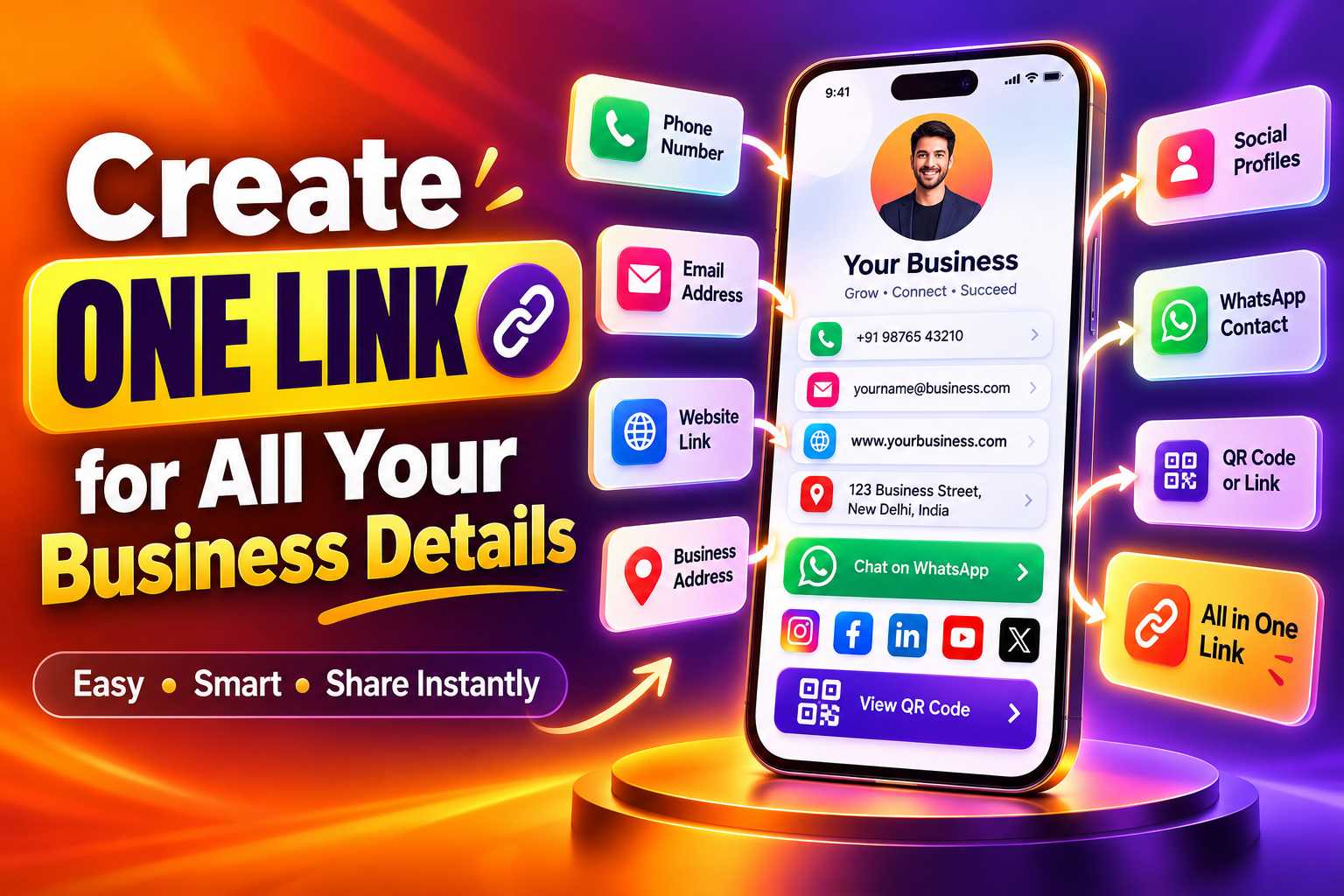
Sharing your phone number, WhatsApp, website, social media profiles, business location and other important information one by one can make customer communication complicated. A single business link solves this problem by bringing your important details together on one mobile-friendly digital profile that customers can open from their smartphone.
With one business link, entrepreneurs, freelancers, shop owners, consultants and other professionals can give customers quick access to their contact details, WhatsApp, website, Instagram, Google Maps, services and other useful information. The same link can also be connected to a QR code and shared through visiting cards, posters, brochures, email signatures, social media profiles and offline marketing materials.
How to Create One Link for All Your Business Details
Most businesses have information spread across several online platforms. Your phone number may appear on a visiting card, your products may be available on your website, your latest work may be posted on Instagram and customers may contact you through WhatsApp. While each platform serves a purpose, sharing all of them individually can be inconvenient.
A single business link provides one central destination containing the most important information about your business. Instead of sending customers several URLs, usernames and phone numbers, you can send one link that opens a professional digital business profile.
From that page, visitors can choose what they want to do next. They may call your business, open WhatsApp, visit your website, view your Instagram profile, check your location or explore your products and services.
Why Businesses Need a Single Digital Link
Customers generally prefer quick access to information. When someone is interested in your business, asking them to manually search for your Instagram profile, type your website address or save your phone number creates unnecessary steps.
A single link reduces that effort by organizing the most useful business actions in one place. It also helps businesses maintain a consistent way of sharing their digital presence across different platforms and marketing materials.
For small businesses in particular, this can provide a simple alternative to sending multiple links every time a customer asks for contact or business information.
One Link Can Become Your Digital Business Identity
A well-designed business link can work like a digital visiting card. It can introduce your business, explain what you provide and give customers several ways to contact or learn more about you.
Instead of treating your website, WhatsApp and social media accounts as completely separate channels, one digital profile can bring them together and give customers a clear starting point.
Add Your Most Important Business Information
The purpose of a single business link is not to display every piece of information about your company. It should organize the details customers are most likely to need when they first discover or contact your business.
A local store may prioritize WhatsApp, Maps and Instagram, while a consultant may focus on a website, LinkedIn, email and appointment booking. The content should therefore match your business type and customer journey.
Points
You can include:
- Business or company name
- Your name and designation
- Profile image or company logo
- Phone number
- WhatsApp contact
- Email address
- Official website
- Instagram profile
- Facebook page
- LinkedIn profile
- YouTube channel
- Google Maps location
- Business address
- Product catalogue
- Service details
- Portfolio
- Customer review link
- Appointment or booking link
- Enquiry form
- Payment link where appropriate
Keep Important Actions Near the Top
Visitors should not need to search through a long page before finding your phone number, WhatsApp or website. The most important actions should appear near the beginning of the digital profile.
For example, a service business that receives most enquiries through WhatsApp should make the WhatsApp button highly visible. A retail brand that depends heavily on its website may want the website and product catalogue to appear prominently.
The structure should be based on what customers are most likely to do after opening the link.
Step 1: Choose a Digital Business Profile Platform
Start by choosing a platform that allows you to create a mobile-friendly business page containing multiple links and contact options. A digital business card platform is often suitable because it is specifically designed to organize professional and business information.
Before selecting a platform, check whether it supports the features your business actually needs. For some businesses, basic contact information may be enough. Others may require WhatsApp, Maps, social media, products, services, reviews and QR code sharing.
Step 2: Add Your Business Name and Branding
Your business name should be immediately visible when someone opens the link. Add a clear logo or professional profile image so customers can quickly recognize the business.
You can also include a short description explaining what your business provides. Keep this introduction clear and customer-focused instead of filling the profile with long promotional statements.
For example, a web development business could use a short description explaining that it provides website development, mobile applications and digital solutions for businesses.
Step 3: Add Your Contact Information
Add the phone number, email address and communication channels customers use most often. If WhatsApp is your primary enquiry method, include a direct WhatsApp button so customers can start a conversation quickly.
Make sure all numbers, email addresses and URLs are correct before publishing the profile. Incorrect contact information can lead to lost enquiries.
Step 4: Connect Your Website and Social Media
Add your official website and the social media profiles that actively support your business. This may include Instagram, Facebook, LinkedIn or YouTube depending on your industry.
Customers can then use the same link to move from your basic business information to more detailed content. Someone may first look at your Instagram portfolio, then visit your website and finally contact you through WhatsApp.
Step 5: Publish and Test Your Business Link
Once the profile is complete, publish it and test every button using a smartphone. Check that phone calls open the correct number, WhatsApp opens correctly, social media profiles lead to the right account and Maps shows the correct location.
Testing is especially important before printing the link or its QR code on visiting cards, banners or packaging.
Use the Same Link Across Your Digital Channels
Once your business profile is available through one URL, you can reuse that link across several platforms instead of repeatedly sharing individual contact details.
For example, the same link can be placed in your Instagram bio, Facebook profile, WhatsApp business description, email signature or other digital communication channels. This creates a consistent destination regardless of where customers discover your business.
When customers open the link, they can choose the next action instead of being limited to the platform where they first discovered you.
Use Your Link in WhatsApp Conversations
Businesses frequently send phone numbers, website URLs, location links and social media profiles separately through WhatsApp. A single business link can reduce this repetitive process.
Instead of sending several messages, you can send one URL containing all the relevant information. Customers can then access the details they need from a single page.
This can be especially useful for sales professionals, freelancers, service businesses and customer support teams that regularly introduce their business to new customers.
Add the Link to Your Social Media Bio
Social media profiles often provide limited space for external links. Using one main business link allows you to direct followers to several destinations without changing your bio every time you want to promote a different channel.
A visitor coming from Instagram, for example, could open the link and then visit your website, contact you through WhatsApp, check your business location or explore your services.
Use One QR Code to Share Your Complete Business Profile
A QR code can make your single business link useful in physical marketing as well. Instead of printing a long URL on a business card or poster, you can connect the URL to a QR code.
When customers scan the code, your digital business profile opens on their smartphone. They can then access the phone number, WhatsApp, website, social profiles, location and other details you have included.
This approach connects offline marketing with your digital business presence.
Where Can You Use Your Business QR Code?
The QR code can be used anywhere customers encounter your brand physically. Businesses can place it on visiting cards, shop counters, brochures, catalogues, invoices, product packaging, posters, banners, exhibition materials or reception displays.
A restaurant could use it on a table display, a retail business could place it near the billing counter and a consultant could print it on a professional visiting card.
Add a Clear QR Code Call to Action
Customers should understand why they should scan your QR code. Instead of displaying the code without context, add a short message such as “Scan to Connect,” “Scan for Our Business Details” or “Scan to View Our Digital Card.”
This small explanation can make the purpose of the QR code clearer and improve the overall customer experience.
Make Customer Communication Simpler
Small businesses often depend on direct communication. Customers may want to ask about prices, product availability, appointments, services or business locations before making a decision.
One business link can reduce the number of steps required to find this information. Instead of searching across several platforms, customers begin from one organized profile and choose the action that suits them.
Create a More Professional First Impression
Sending customers a collection of unrelated links can feel disorganized. A professional digital profile gives all those links a structured presentation under your business name and branding.
This is particularly useful during networking, sales meetings and customer introductions. Rather than saying “search for us on Instagram” or spelling out a website address, you can simply provide one link.
Reduce Dependence on Printed Information
Printed visiting cards and brochures remain useful, but information printed permanently cannot easily be changed. If your website, phone number or social media information changes, old printed material may become outdated.
A digital profile provides a more flexible place for current information. Where the platform supports editable profile content, businesses can update details behind their business link without changing every place where the original URL has already been shared.
Support Different Customer Preferences
Not every customer wants to communicate in the same way. Some people prefer phone calls, while others prefer WhatsApp, email, websites or social media.
Providing several communication choices through one link gives customers control over how they interact with your business. This can make the experience more convenient without forcing everyone into the same channel.
Keep Your Digital Profile Simple and Focused
A single business link is most effective when the profile behind it remains easy to understand. Adding too many unnecessary buttons can make the page confusing and reduce attention on the actions that actually matter.
Place primary customer actions first and keep secondary links lower on the page. The profile should answer the customer's main questions quickly: who are you, what do you offer and how can they contact you?
Make the Page Mobile Friendly
Most people will open a business link from their phone, especially when they access it through WhatsApp, Instagram or a QR code. The profile should therefore load properly on smaller screens and use buttons that are easy to tap.
Contact actions should be clearly visible, text should remain readable and visitors should not need to zoom or navigate through complicated menus.
Use Accurate and Consistent Business Information
Your company name, phone number, address and website should remain consistent across your digital business profile, website and other important online platforms.
Consistent information helps customers understand that they are viewing the correct business and also creates a clearer digital presence for location-based and brand searches.
Review Your Business Link Regularly
Check the profile periodically to make sure every destination still works. Social media usernames, website pages, WhatsApp numbers and business locations can change over time.
Removing outdated links and updating important information helps ensure that customers always reach the correct destination.