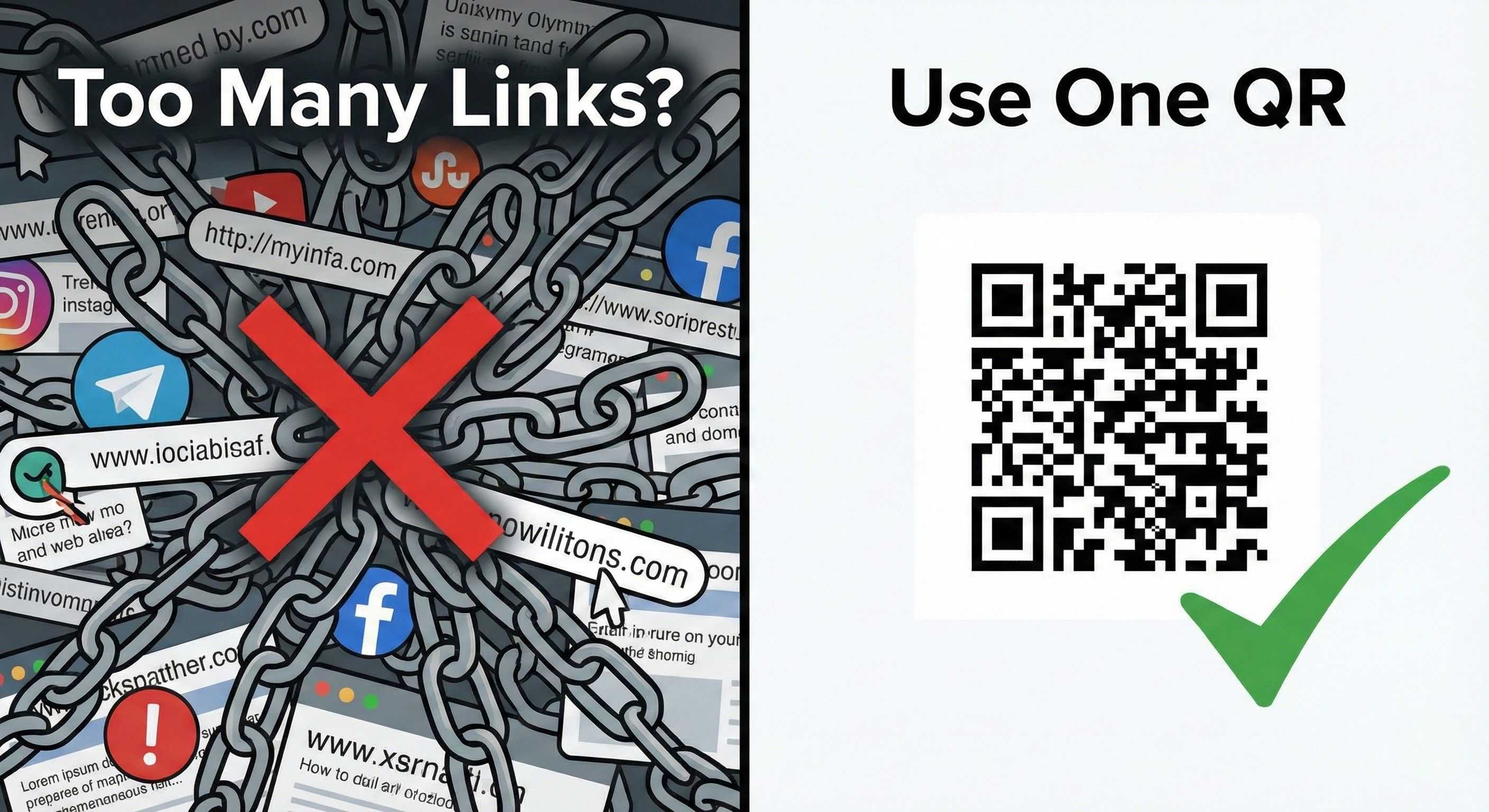
In this blog, we’ll explain what a multi-link QR code is, why it’s useful, and how you can create one easily.
What Is a QR Code for Multiple Links?
A multi-link QR code is a single QR code that opens a landing page containing multiple clickable links, such as:
Website
Google Maps
Phone number
UPI payment links
Instead of sharing many links separately, one QR code does everything.
Why You Need a QR Code for Multiple Links
✅ Saves Time
No need to type or send multiple URLs.
✅ Professional Look
Looks modern and tech-savvy.
✅ Easy to Update
Change links anytime without reprinting the QR code.
✅ Works Everywhere
Use it on visiting cards, banners, invoices, posters, and social media.
✅ Boosts Engagement
People are more likely to click when everything is in one place.
How to Create a QR Code for Multiple Links (Step-by-Step)
Step 1: Create a Multi-Link Page
First, you need a single page that holds all your important links.
This page can include:
Your name & brand logo
Short description
Buttons for each link
(Platforms like VCRDS provide ready-made multi-link pages.)
Step 2: Add All Your Important Links
Add links such as:
Website
Social media profiles
Contact options
Payment or booking links
Arrange them in priority order for better user experience.
Step 3: Generate the QR Code
Once your multi-link page is ready:
Generate a QR code for that page
Download it in high quality (PNG or SVG)
This QR code will now open all your links in one place.
Step 4: Test the QR Code
Before sharing:
Scan the QR code using different phones
Check link speed and accuracy
Testing ensures a smooth user experience.
Step 5: Share Anywhere
You can use the QR code on:
Business cards
Storefronts
Product packaging
Email signatures
Social media posts
Banners & flyers
One QR code works everywhere.
Best Use Cases for Multi-Link QR Codes
👨💼 Business Owners
🧑💻 Freelancers
🏢 Sales Teams
🏥 Doctors & Clinics
🧑⚖️ Lawyers & Consultants
🏪 Retail Stores
Why VCRDS Is the Smart Choice for Multi-Link QR Codes
With VCRDS, you get:
One QR code for unlimited links
Mobile-friendly design
Easy link updates
Professional branding
No technical knowledge required
It’s a smart, modern solution for digital contact sharing.
Final Thoughts
A QR code for multiple links is no longer optional—it’s essential in 2025. It simplifies sharing, improves first impressions, and helps you connect faster with your audience.
If you want a simple and professional solution, VCRDS makes it easy.

