Your Cart
Your cart is empty.
Add some awesome NFC products!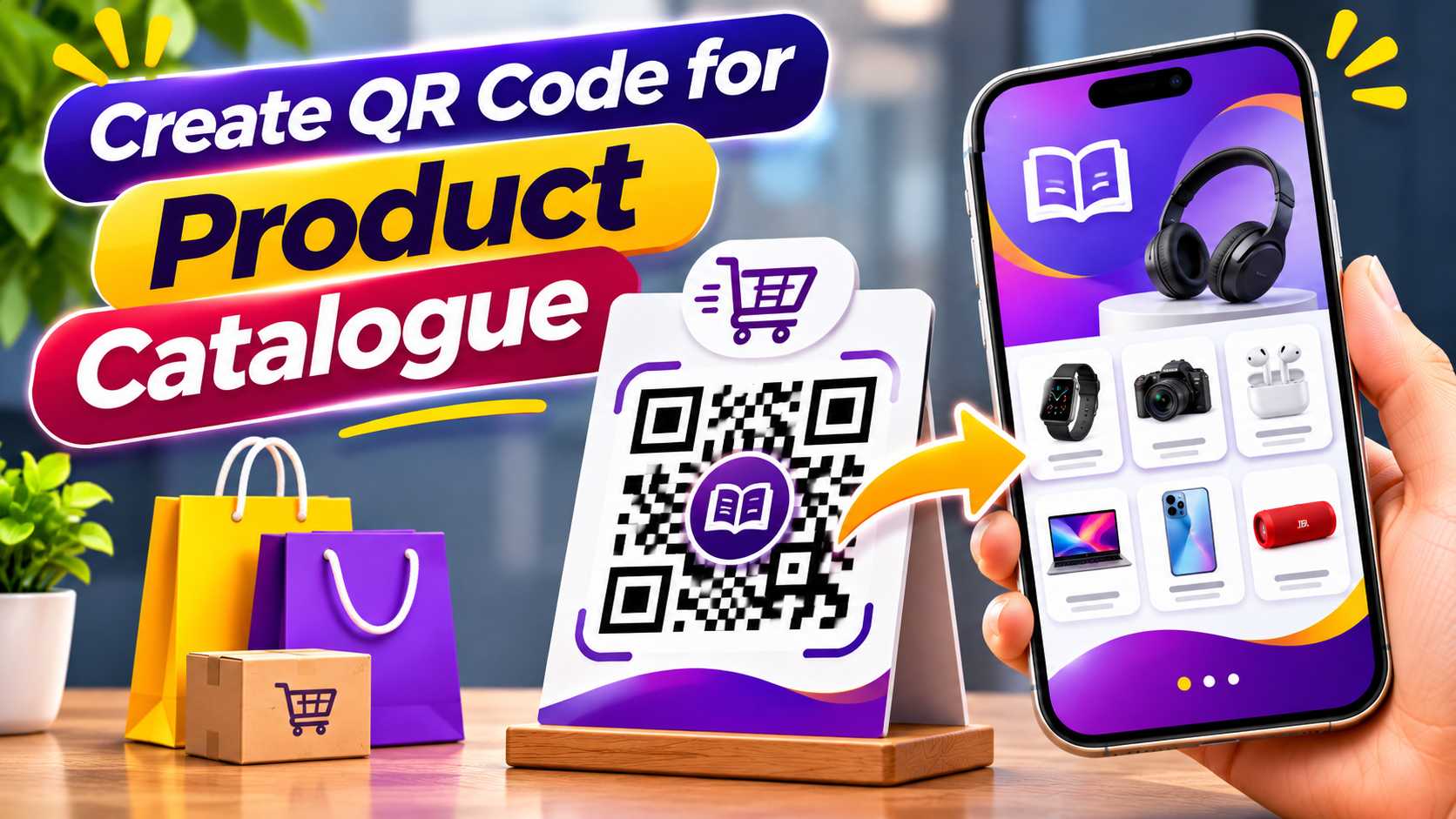
How to Create a QR Code for Your Product Catalogue
A product catalogue QR code allows customers to instantly view your products, services, collections or price details using their smartphone. Instead of distributing printed catalogues or sending multiple product images manually, businesses can place one QR code on visiting cards, posters, packaging, store displays, brochures and marketing materials. When customers scan the QR code, they can open a digital product catalogue containing product images, descriptions, prices, categories, contact options and enquiry links. This makes product sharing faster, more convenient and easier to update for retailers, wholesalers, manufacturers, boutiques, restaurants, service providers and other businesses.
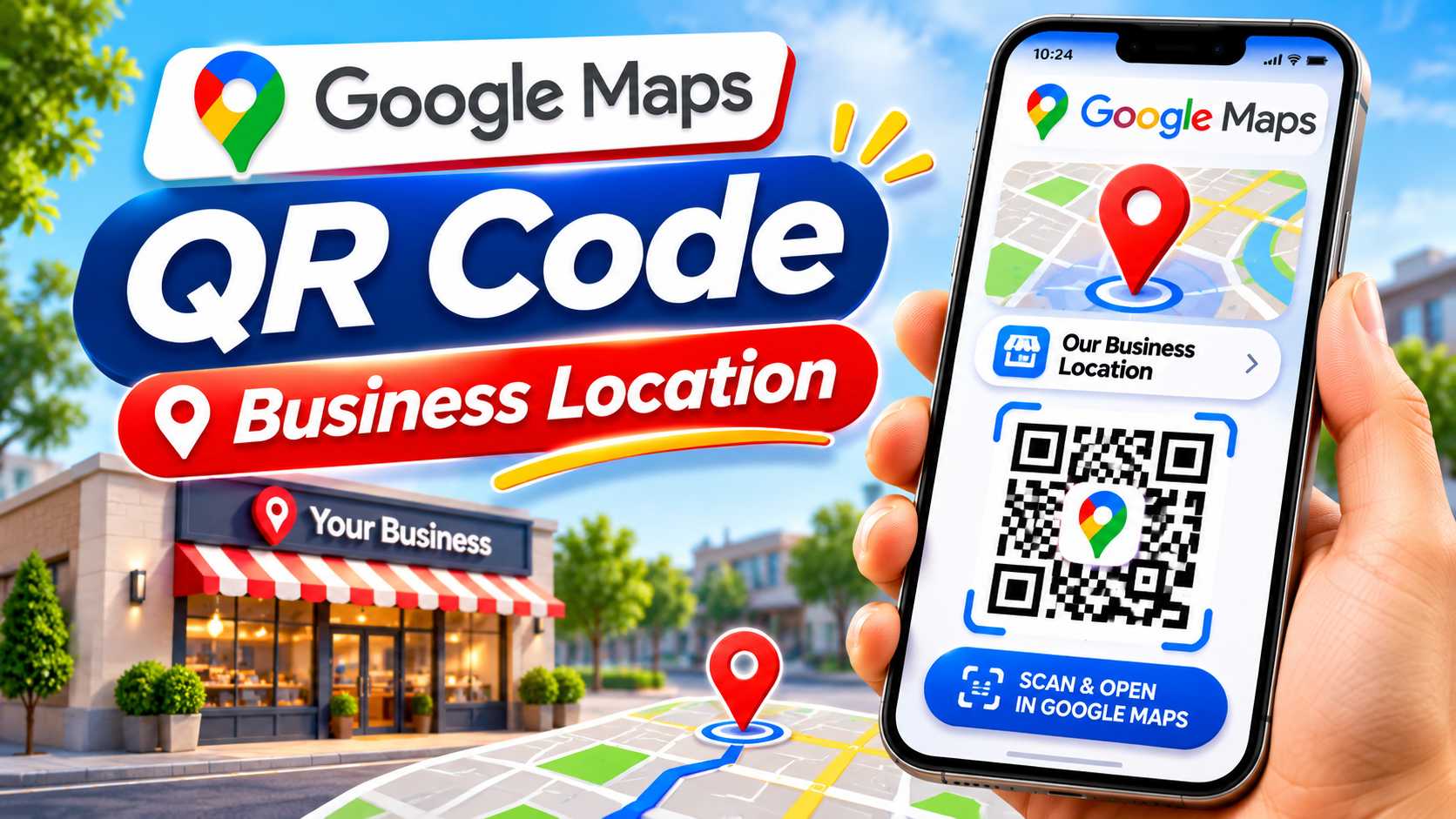
How to Create a Google Maps QR Code for Your Business Location
A Google Maps QR code makes it easier for customers to find your business location without manually searching for your address. By scanning one QR code with their smartphone, customers can open your business location in Google Maps, view directions and start navigating to your shop, office, restaurant, clinic or service centre. Businesses can place a Google Maps QR code on visiting cards, posters, brochures, product packaging, invitations, store displays and digital business profiles. It provides a simple way to connect offline customers with your physical location and can reduce confusion caused by manually typed addresses or difficult-to-find landmarks.
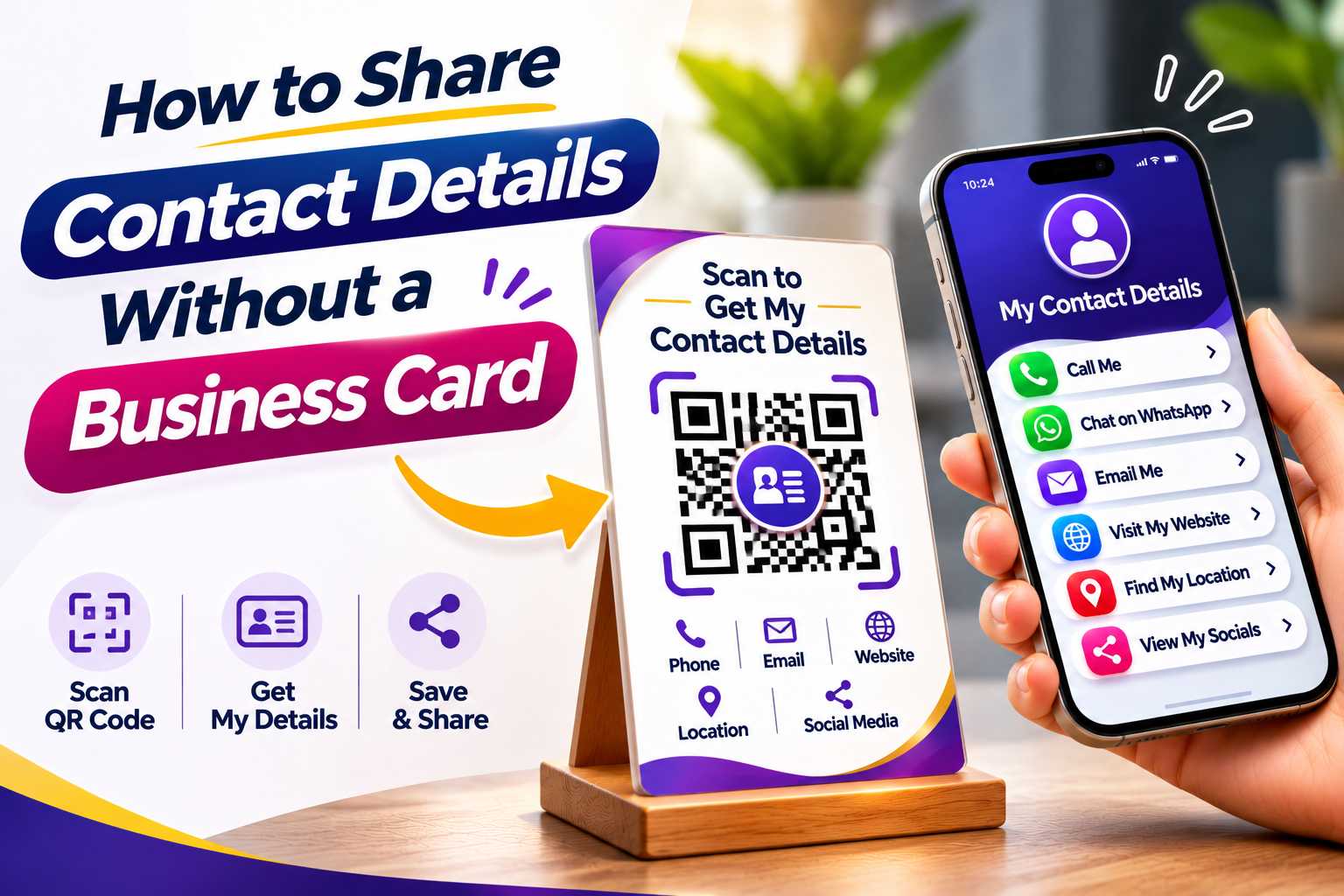
How to Share Contact Details Without a Business Card
Traditional paper business cards are no longer the only way to share your contact details. Today, professionals and businesses can use digital business cards, QR codes, contact links and mobile-friendly profiles to instantly share phone numbers, WhatsApp details, email addresses, websites, social media profiles and business information. Instead of carrying printed cards everywhere, you can provide one simple QR code or digital link that allows people to access all your important contact details from their smartphone. This approach is convenient, easy to update and especially useful for business owners, freelancers, sales professionals, consultants, entrepreneurs and service providers who regularly meet new customers.
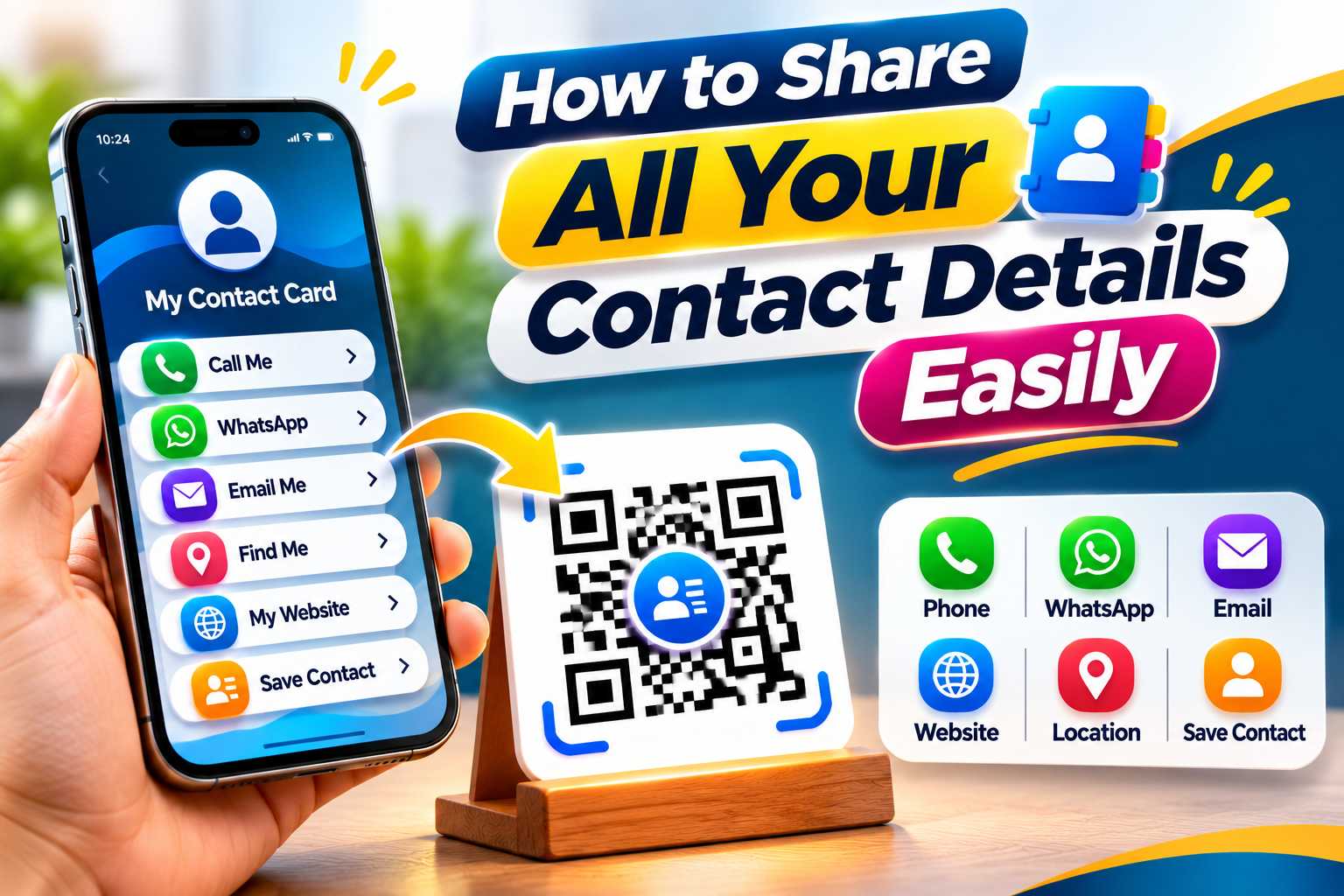
How to Share All Your Contact Details Easily
Sharing your contact details should be simple, fast and convenient. Instead of sending your phone number, WhatsApp, email, website, social media profiles and location separately, you can organize all your important business information in one digital profile and share it using a single link or QR code. This approach is especially useful for business owners, freelancers, consultants, sales professionals and local businesses that regularly share several contact channels with customers. A digital business card or multi-link profile can help people call, message, email, visit your website, open Maps or follow your social media accounts from one place. This guide explains the easiest ways to share all your contact details and how to create a more professional digital contact experience.
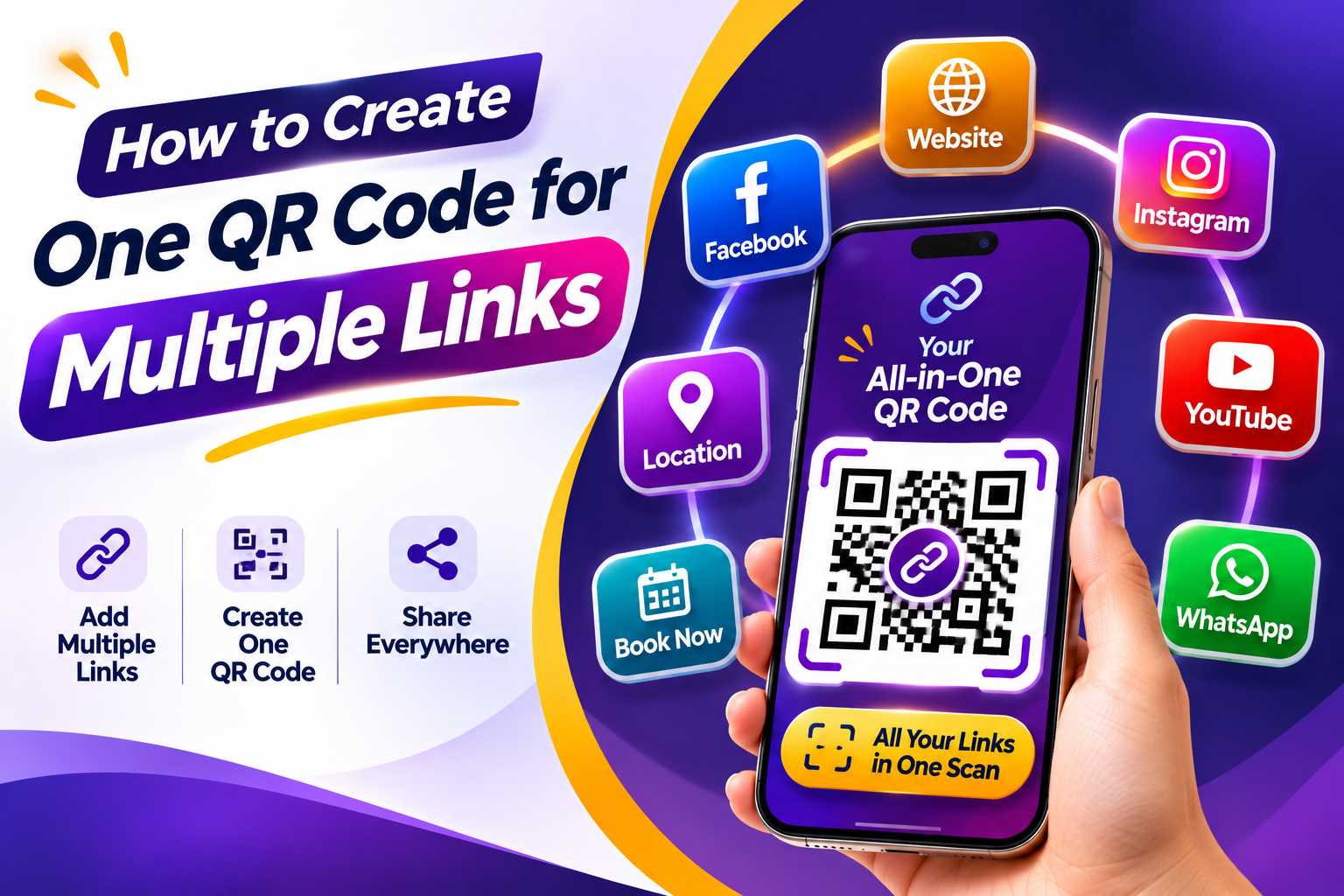
How to Create One QR Code for Multiple Links
Creating one QR code for multiple links allows businesses and professionals to share WhatsApp, websites, Instagram, Facebook, LinkedIn, Google Maps, product catalogues and other digital destinations through a single scan. Instead of printing a separate QR code for every platform, you can connect one QR code to a mobile-friendly multi-link profile where customers choose the information or action they need. This method is useful for business cards, posters, brochures, product packaging, shop counters, exhibitions and other marketing materials where space is limited. A properly organized multi-link QR profile can simplify customer communication, improve offline-to-online engagement and make it easier for people to call, message, visit, follow or enquire about your business.
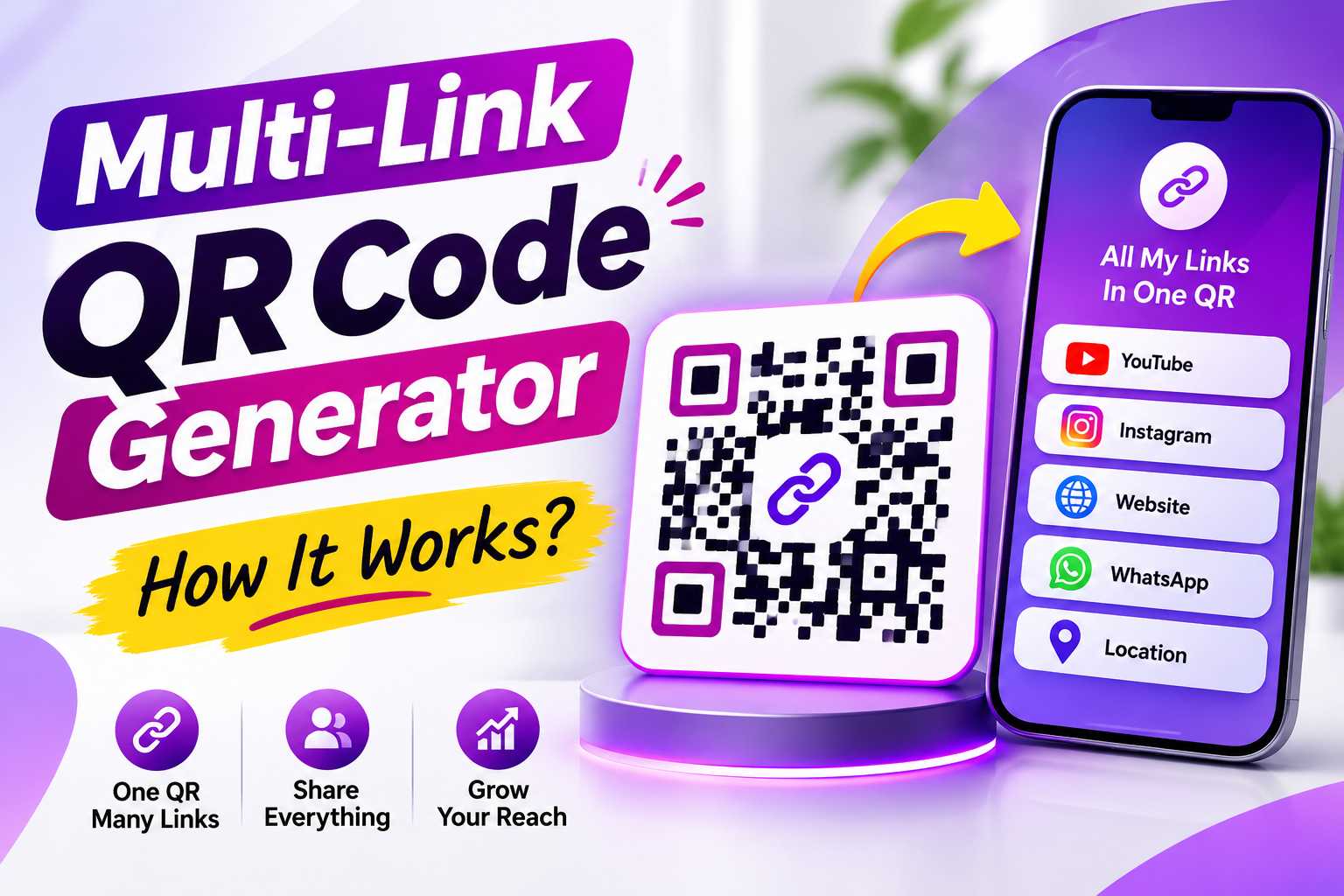
Multi-Link QR Code Generator: How It Works
A multi-link QR code generator allows you to connect several important digital destinations to one QR code. Instead of creating separate QR codes for WhatsApp, your website, Instagram, Facebook, Google Maps, product catalogues and other business links, you can organize everything inside one mobile-friendly profile that customers access with a single scan. This type of QR code is especially useful for small businesses, freelancers, consultants, retailers and professionals who communicate with customers across multiple platforms. One customer may want to send a WhatsApp message, another may visit your website, while someone else may check your location or social media. This guide explains how a multi-link QR code generator works, what links you can add, how to create one and how businesses can use it effectively.

