Your Cart
Your cart is empty.
Add some awesome NFC products!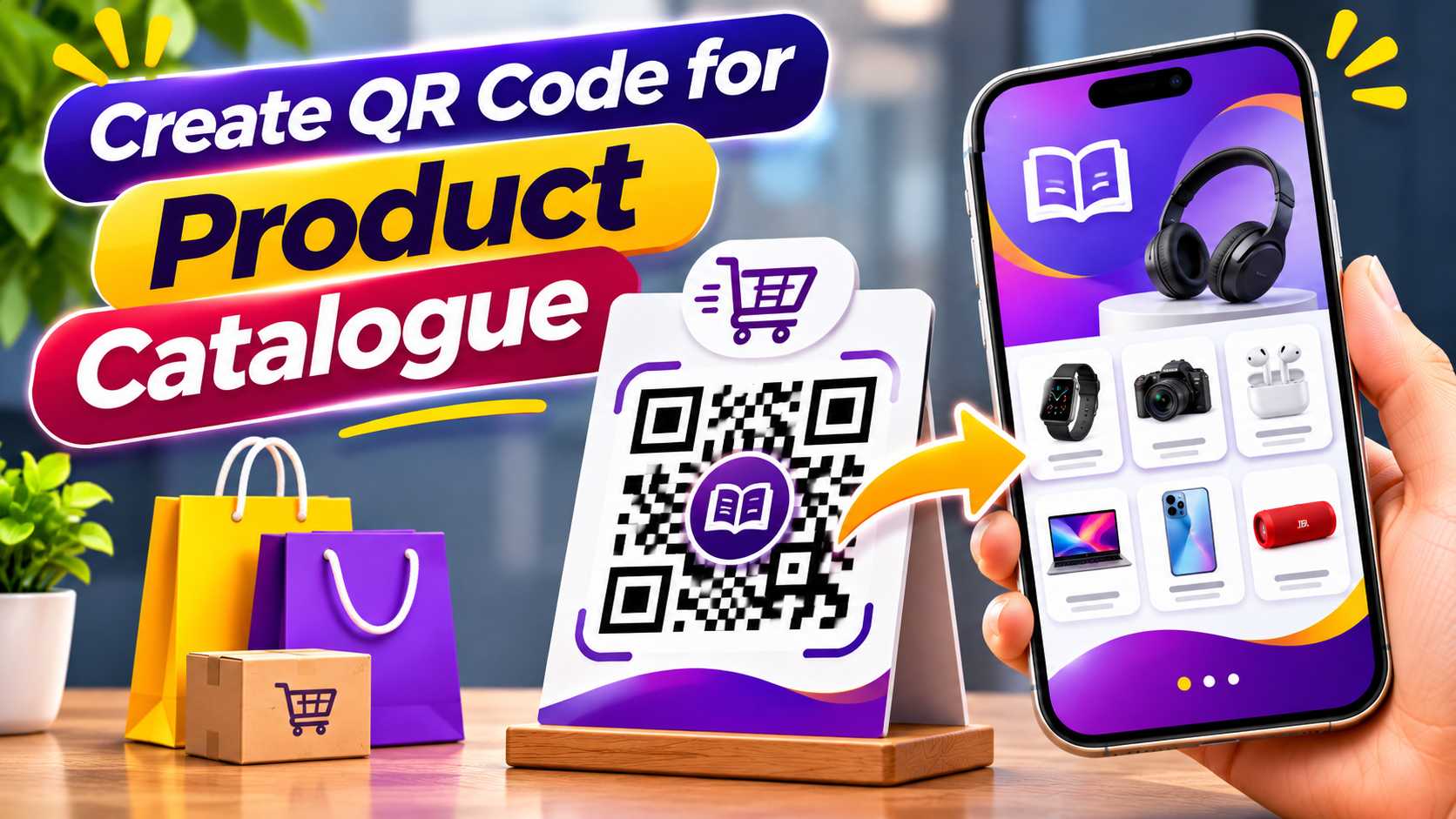
How to Create a QR Code for Your Product Catalogue
A product catalogue QR code allows customers to instantly view your products, services, collections or price details using their smartphone. Instead of distributing printed catalogues or sending multiple product images manually, businesses can place one QR code on visiting cards, posters, packaging, store displays, brochures and marketing materials. When customers scan the QR code, they can open a digital product catalogue containing product images, descriptions, prices, categories, contact options and enquiry links. This makes product sharing faster, more convenient and easier to update for retailers, wholesalers, manufacturers, boutiques, restaurants, service providers and other businesses.
How to Generate Leads Using QR Codes
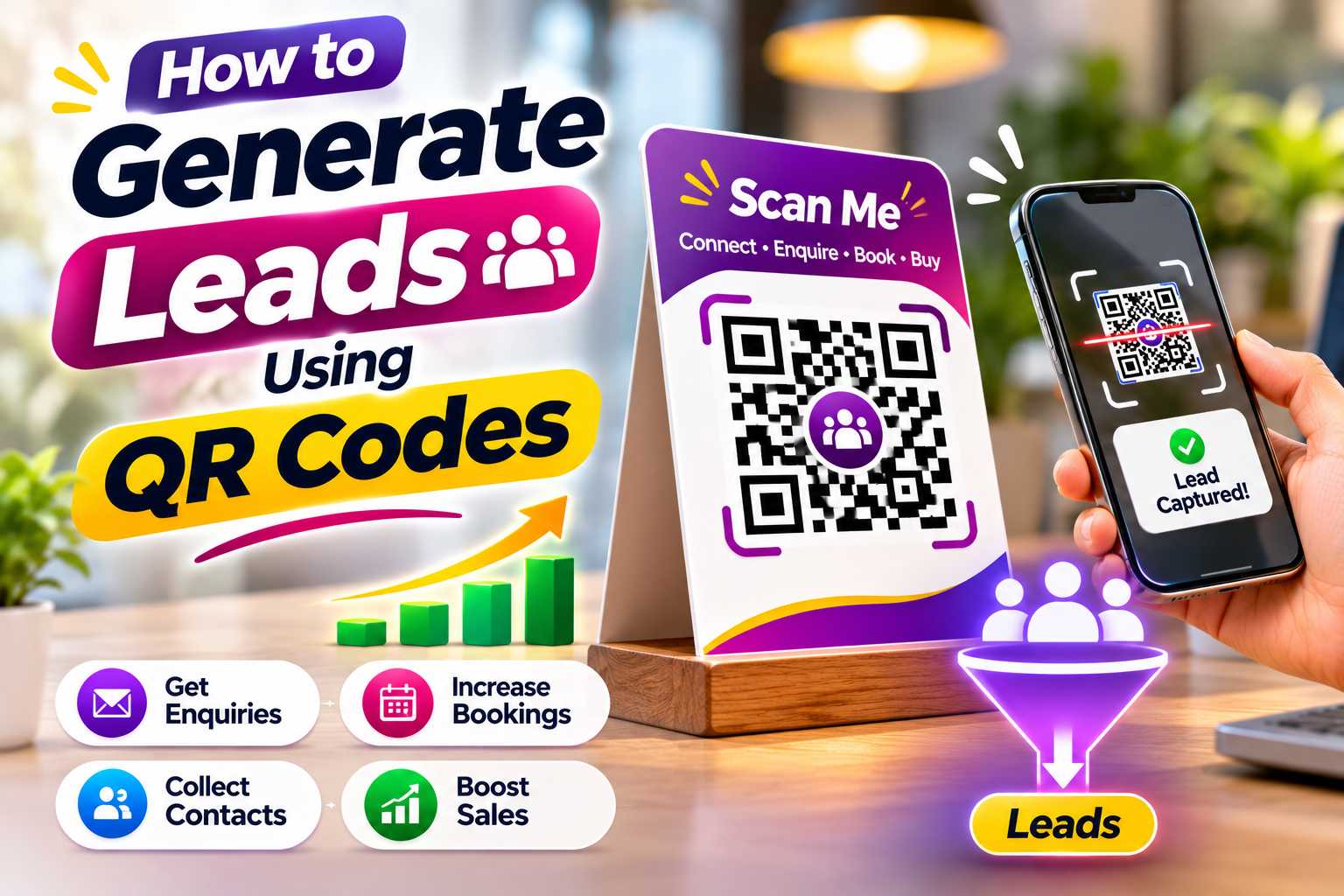
QR codes can be powerful lead-generation tools when they connect interested customers directly to WhatsApp, enquiry forms, appointment booking pages, digital business cards, product catalogues or other useful business actions. Instead of asking people to manually search for your company, save a phone number or type a website address, one simple scan can move them from offline interest to an online enquiry. Small businesses can use QR codes on visiting cards, posters, brochures, product packaging, shop counters, exhibition stalls and advertisements to generate potential customers. The key is to connect each QR code to a clear next step and make the mobile experience fast and simple. This guide explains how to generate leads using QR codes, which destinations work best, where to place them and how to improve QR scan-to-enquiry conversions.
How to Generate Leads Using QR Codes
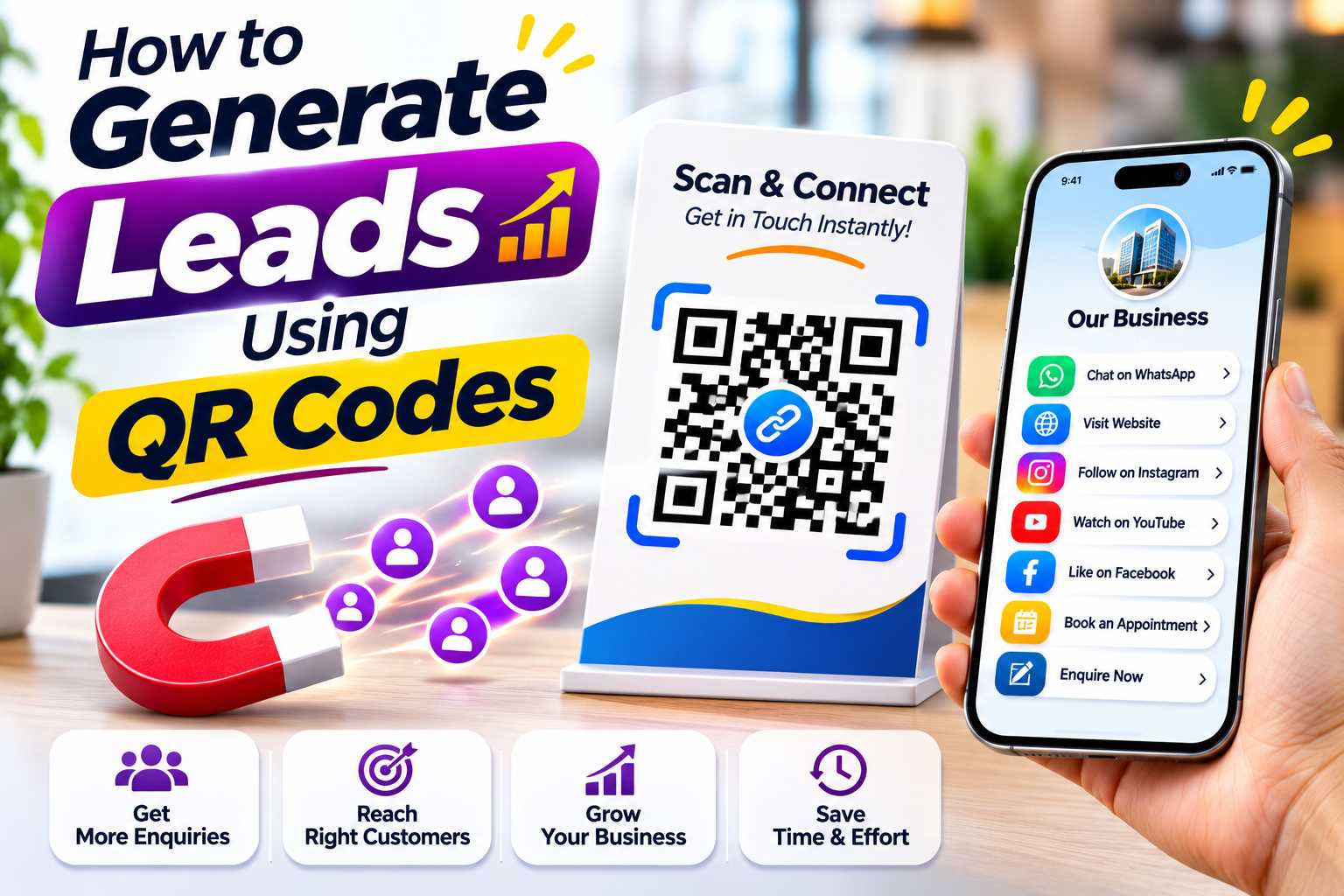
QR codes can do much more than open a website. When used strategically, they can help businesses generate leads by connecting customers directly to WhatsApp, enquiry forms, digital business cards, landing pages, product catalogues, appointment booking pages and other high-intent actions. A well-placed QR code can turn a poster, visiting card, product package, brochure, storefront or event display into a direct lead-generation channel. For small businesses, freelancers, consultants, retailers and service providers, QR codes can reduce the number of steps customers need to take before contacting the business. Instead of asking someone to search for a website, save a number or type an email address, one scan can take them directly to the next action. This guide explains how to generate leads using QR codes, where to place them, what destinations work best and how to improve scan-to-enquiry conversions.
How to Create One QR Code for Multiple Links
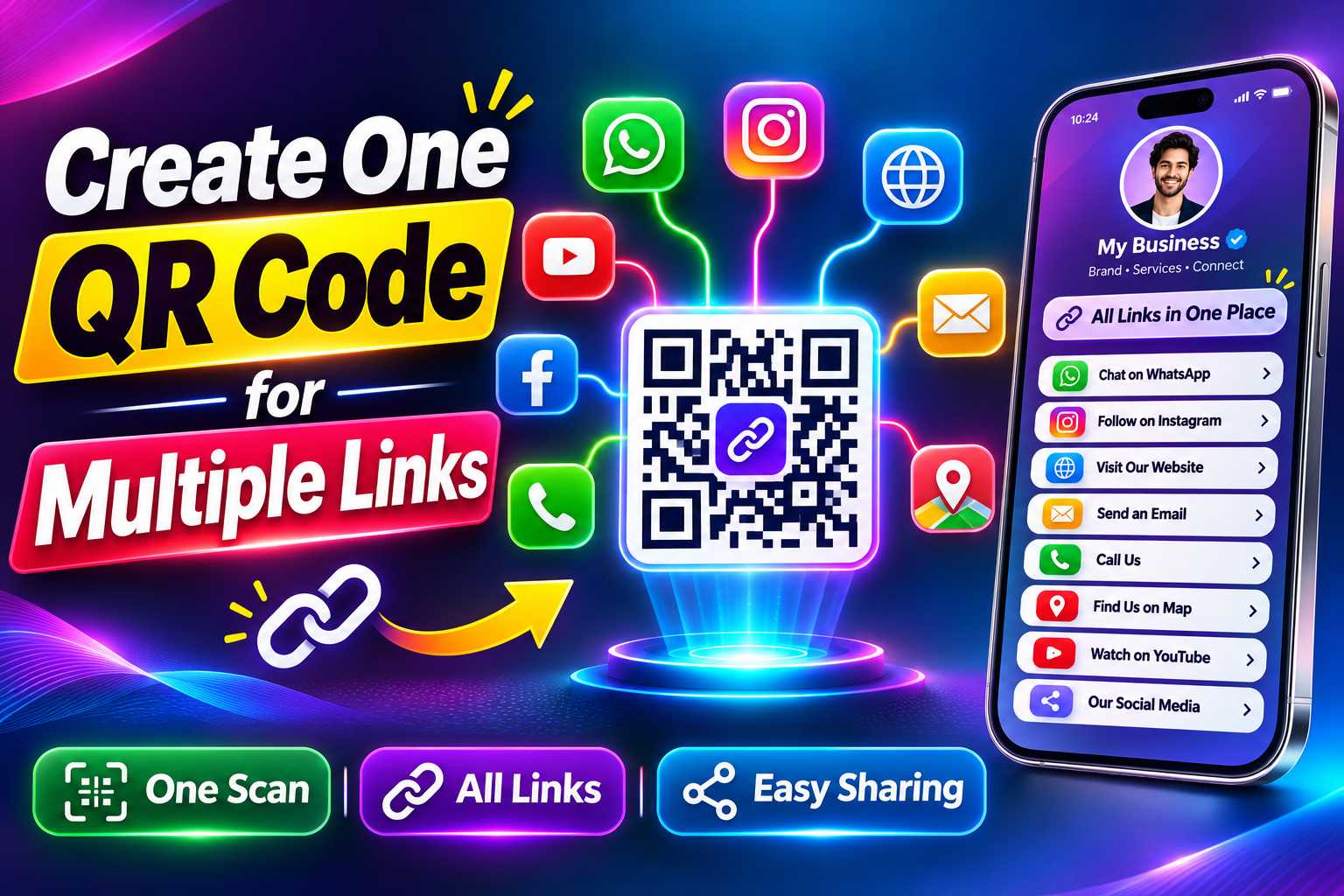
Creating one QR code for multiple links is a simple way to share your complete digital presence without using separate QR codes for WhatsApp, Instagram, websites, Google Maps, social media and other business platforms. Instead of asking customers to scan different codes, one QR code can open a mobile-friendly page where they can choose the link or action they need. This method is especially useful for small businesses, freelancers, consultants, retailers and professionals who want to keep business cards, posters, brochures and other marketing materials clean and easy to use. In this guide, you will learn how to create one QR code for multiple links, what business links you can include, how to organize them correctly and how to make the QR code easy for customers to scan.
Best Multi-Link QR Code Generator for Business
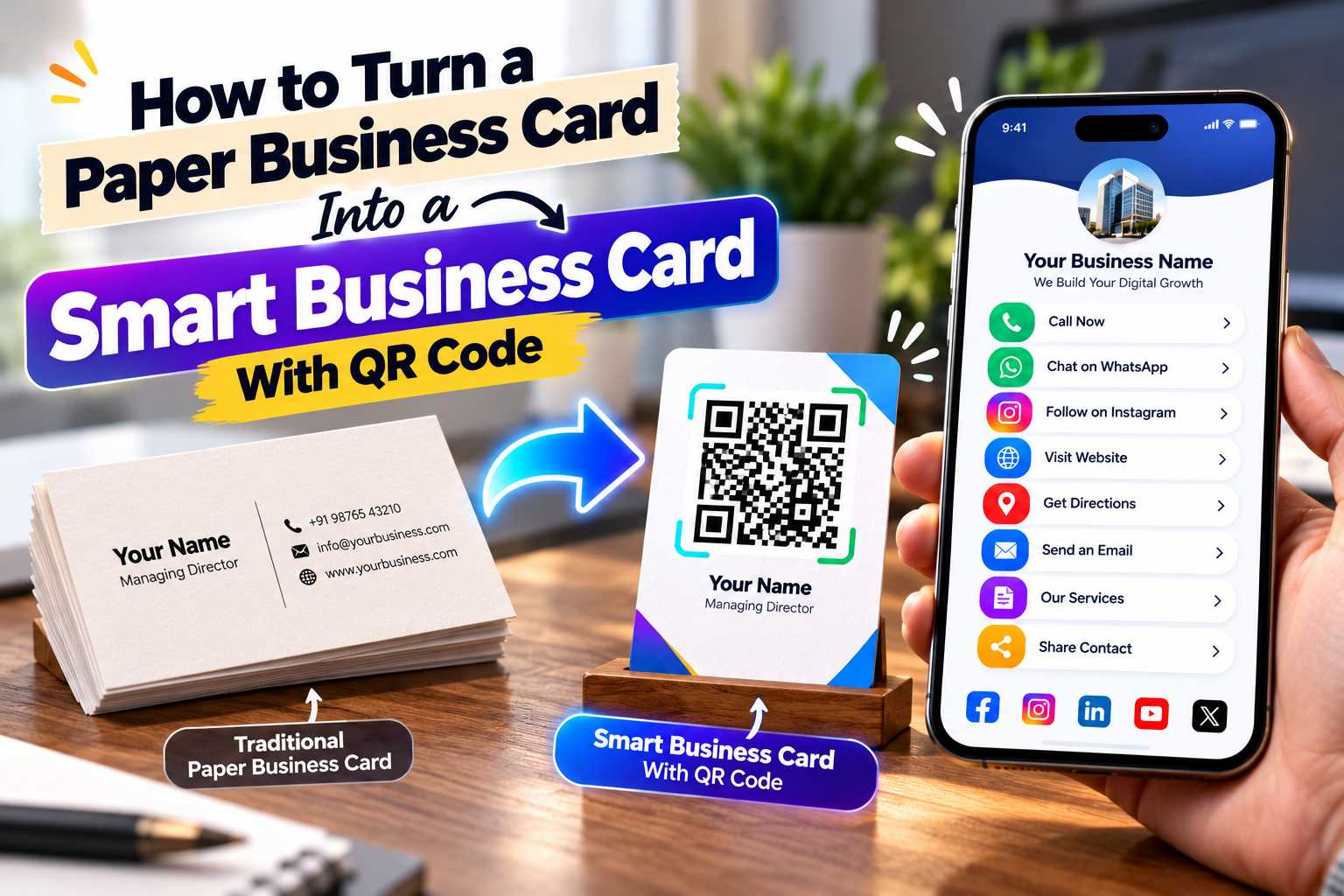
A multi-link QR code generator allows businesses to connect one QR code with several important destinations such as WhatsApp, websites, Instagram, Facebook, Google Maps, product catalogues, portfolios and contact details. Instead of printing separate QR codes for every platform, businesses can give customers one simple code that opens a mobile-friendly page containing all their important links. The best multi-link QR code generator should do more than create a basic QR image. It should help businesses organize multiple links, present them clearly on mobile devices, update information easily and provide customers with a smooth experience after scanning. This guide explains what a multi-link QR code is, how it works, which features to look for and how small businesses can use one QR code to connect customers with their complete digital presence.
How to Turn a Paper Business Card Into a Smart Business Card
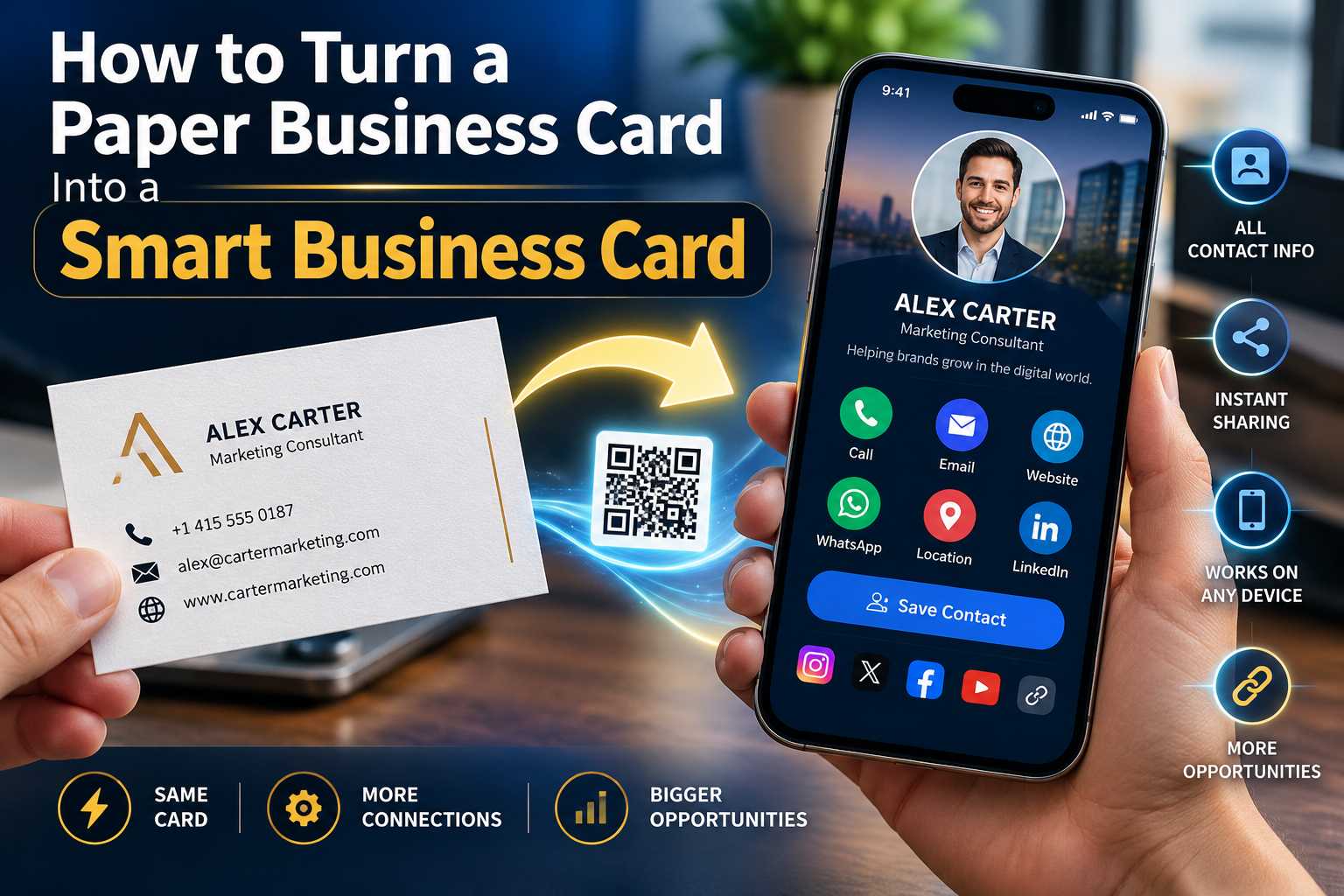
A traditional paper business card can share your name, phone number and basic contact information, but a smart business card can do much more. By adding a QR code that connects to a digital business profile, you can turn an ordinary visiting card into an interactive tool that gives customers instant access to your WhatsApp, website, social media, location, portfolio, products and other important business details. You do not necessarily need to throw away your existing paper cards. In many cases, adding a properly placed QR code can connect your printed card with a digital business card. When someone scans it, they can access updated contact information and choose how they want to connect with you. This guide explains how to convert a traditional business card into a smart business card, what details to include, where to place the QR code and how small businesses and professionals can use smart cards effectively.

