Your Cart
Your cart is empty.
Add some awesome NFC products!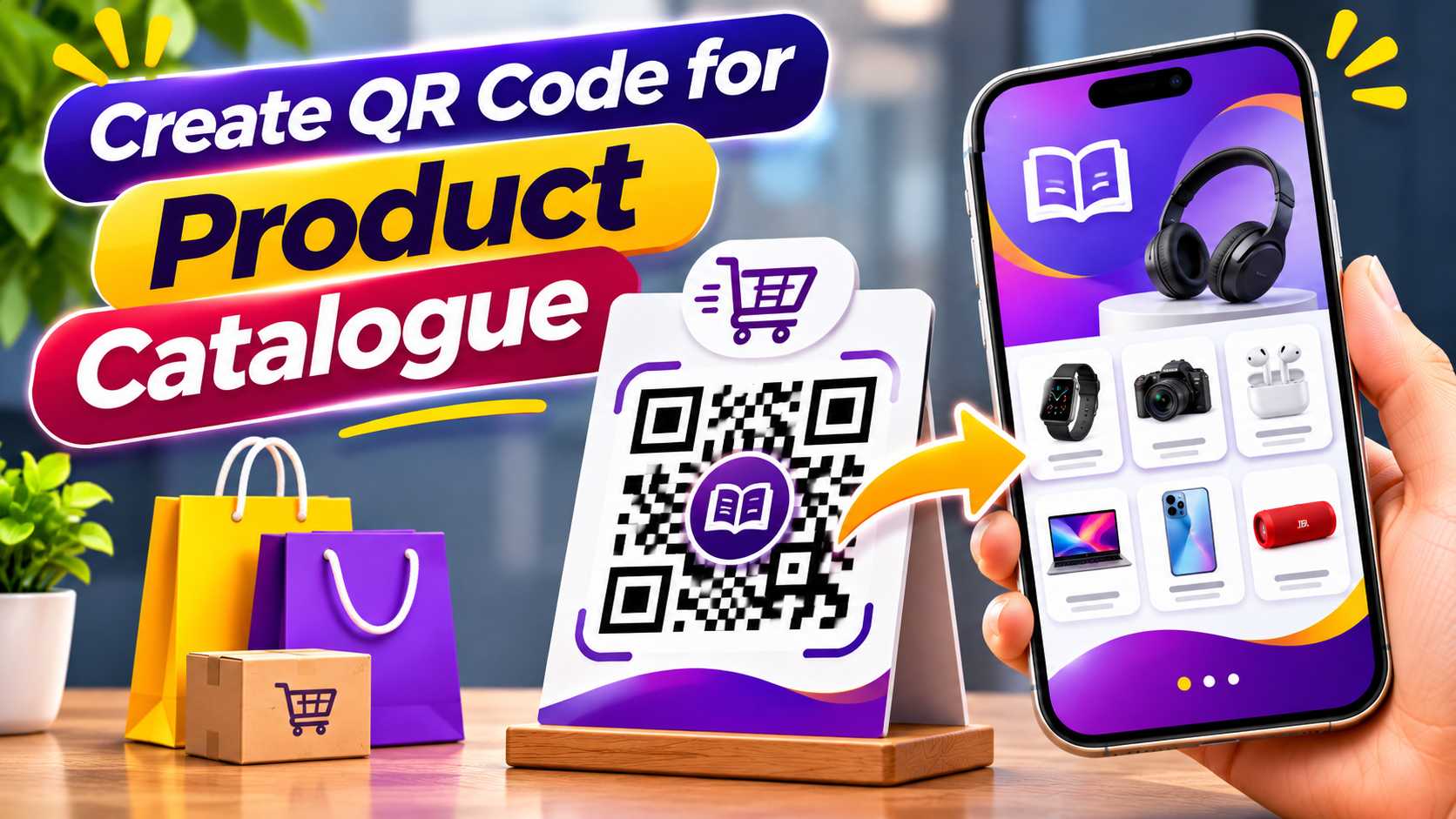
How to Create a QR Code for Your Product Catalogue
A product catalogue QR code allows customers to instantly view your products, services, collections or price details using their smartphone. Instead of distributing printed catalogues or sending multiple product images manually, businesses can place one QR code on visiting cards, posters, packaging, store displays, brochures and marketing materials. When customers scan the QR code, they can open a digital product catalogue containing product images, descriptions, prices, categories, contact options and enquiry links. This makes product sharing faster, more convenient and easier to update for retailers, wholesalers, manufacturers, boutiques, restaurants, service providers and other businesses.
How to Add a QR Code to Your Business Card
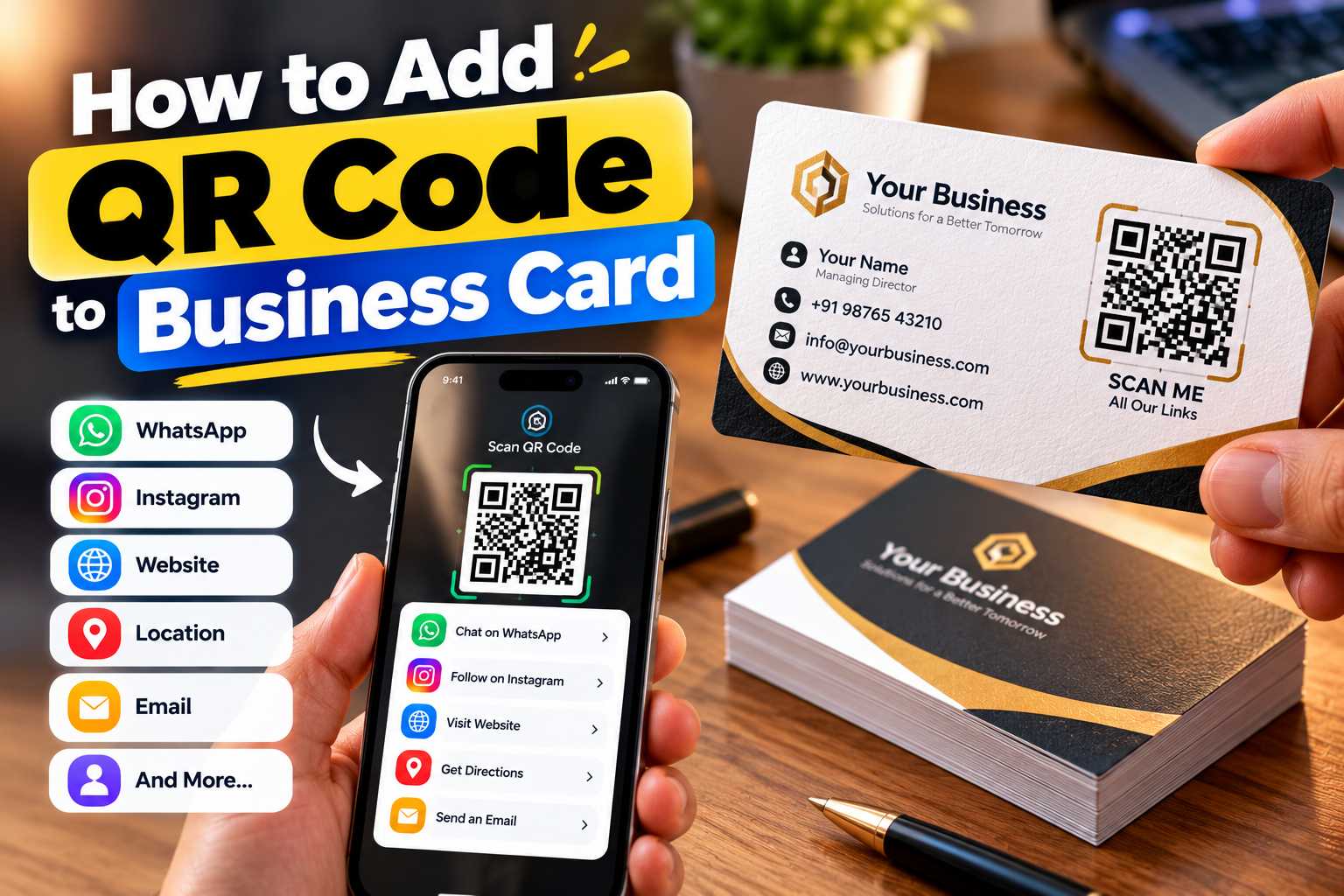
Adding a QR code to a business card is one of the easiest ways to connect a traditional visiting card with your digital business presence. Instead of asking people to manually type your phone number, website, WhatsApp number or social media username, you can let them scan one QR code and instantly access the information you want to share. A business card QR code can open your digital business card, website, WhatsApp, contact details, social media profiles, Google Maps location or even a multi-link business profile. This guide explains how to create a QR code for your business card, where to place it, what information to connect, how large it should be and how to make sure customers can scan it easily.
Multiple Links in One QR Code Generator for Business
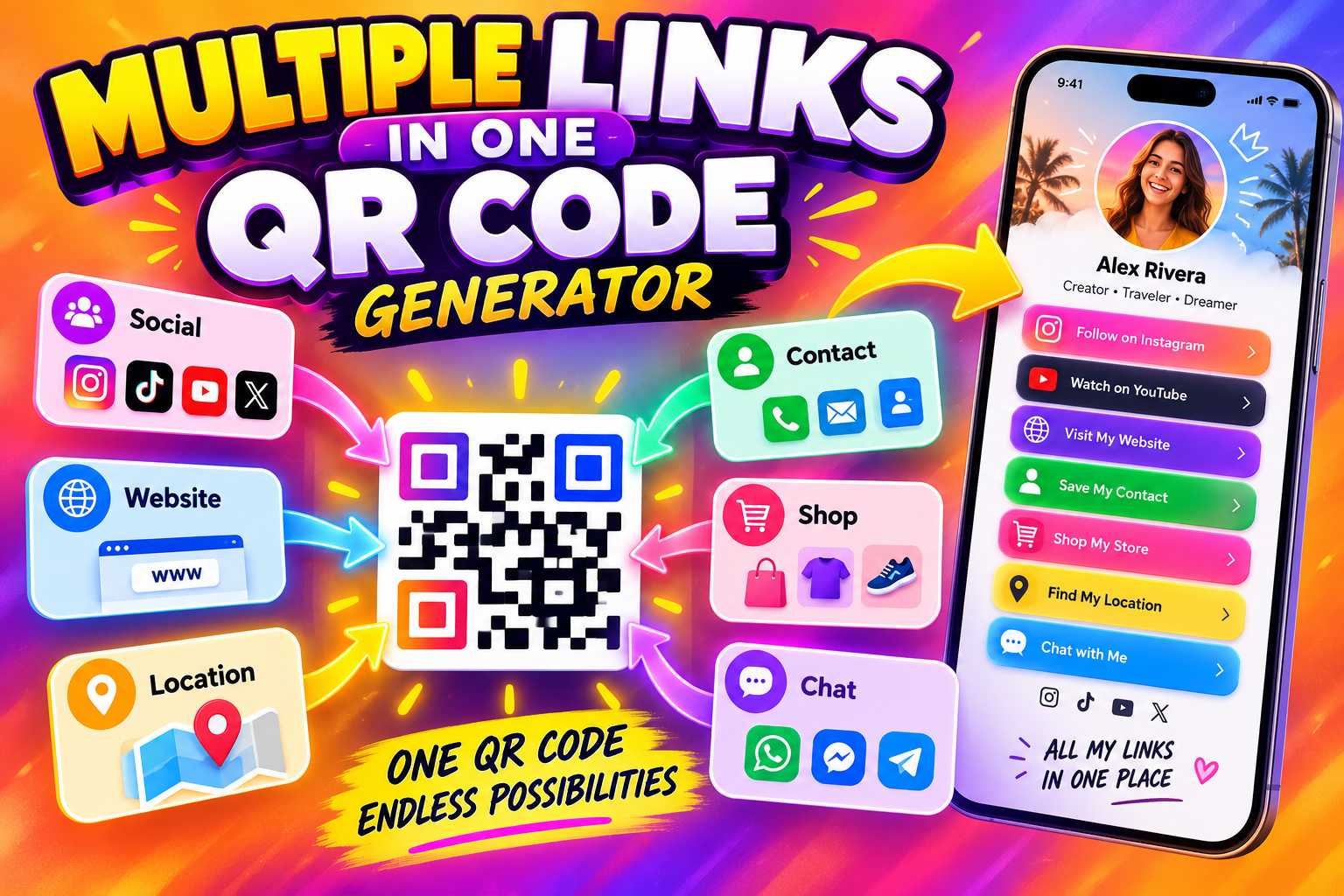
Sharing separate QR codes for WhatsApp, Instagram, websites, Google Maps, product catalogues and other business links can make your marketing materials look crowded. A multiple-links-in-one-QR-code generator solves this problem by connecting one QR code to a mobile-friendly page that contains all your important business links in one place. With a multi-link QR code, customers can scan once and choose whether they want to call your business, open WhatsApp, visit your website, follow your social media profiles, view your location or explore your products and services. This makes one QR code useful for visiting cards, brochures, posters, packaging, shop counters, exhibitions and many other online and offline marketing applications.
How to Create One Link for All Your Business Details
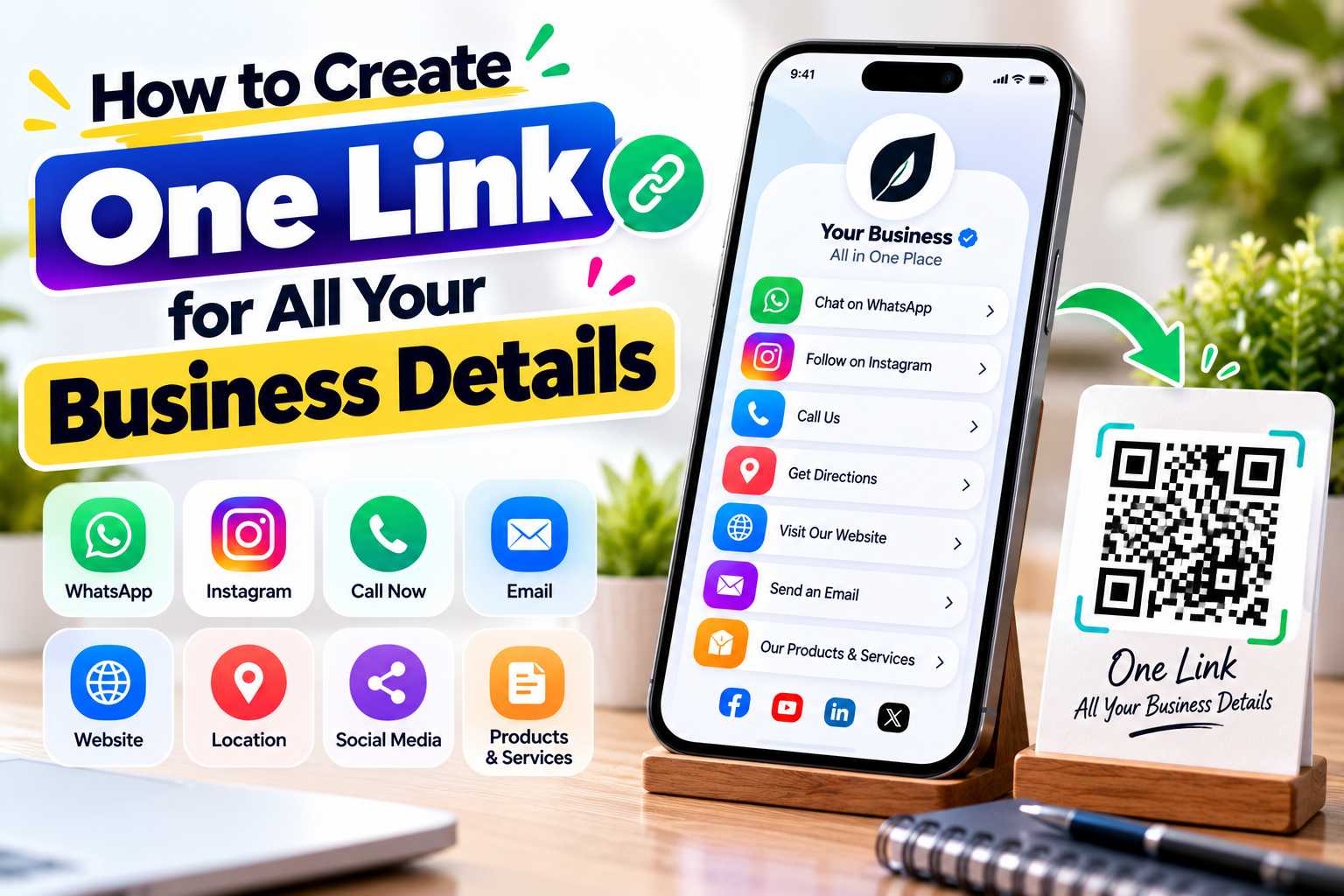
Customers often need different information before contacting a business, including a phone number, WhatsApp, website, Instagram profile, location, services and other useful links. Sharing every detail separately can make communication confusing. Creating one link for all your business details provides customers with a single digital destination where they can quickly find the information they need. A single business link can function like a digital business card. Business owners, freelancers, consultants, retailers and service providers can use it to organize contact details, social media, websites, Maps and customer enquiry options in one mobile-friendly profile. The same link can also be shared through WhatsApp, social media bios, email signatures and QR codes used on visiting cards, posters, brochures and other marketing materials.
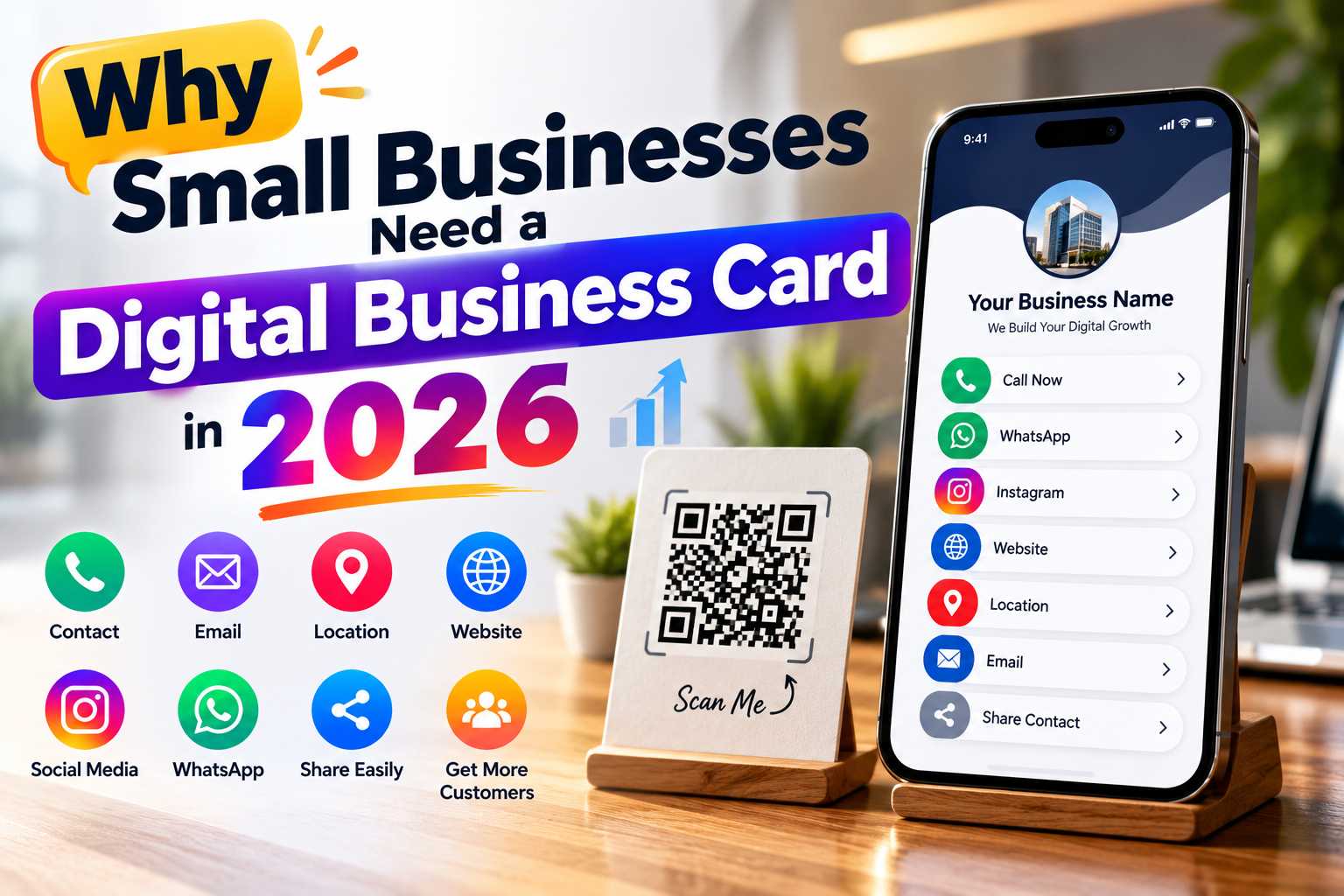
Why Small Businesses Need a Digital Business Card in 2026
Small businesses in 2026 need faster, simpler and more professional ways to share their contact information with customers. A digital business card brings your phone number, WhatsApp, website, social media profiles, business location, services and other useful details together in one mobile-friendly profile that can be shared through a link or QR code. Unlike a traditional visiting card that contains fixed printed information, a digital business card can provide customers with direct actions such as calling, sending a WhatsApp message, visiting a website, viewing Instagram or opening a business location. For local businesses, freelancers, consultants, retailers and service providers, this creates a convenient connection between offline marketing and online customer engagement.
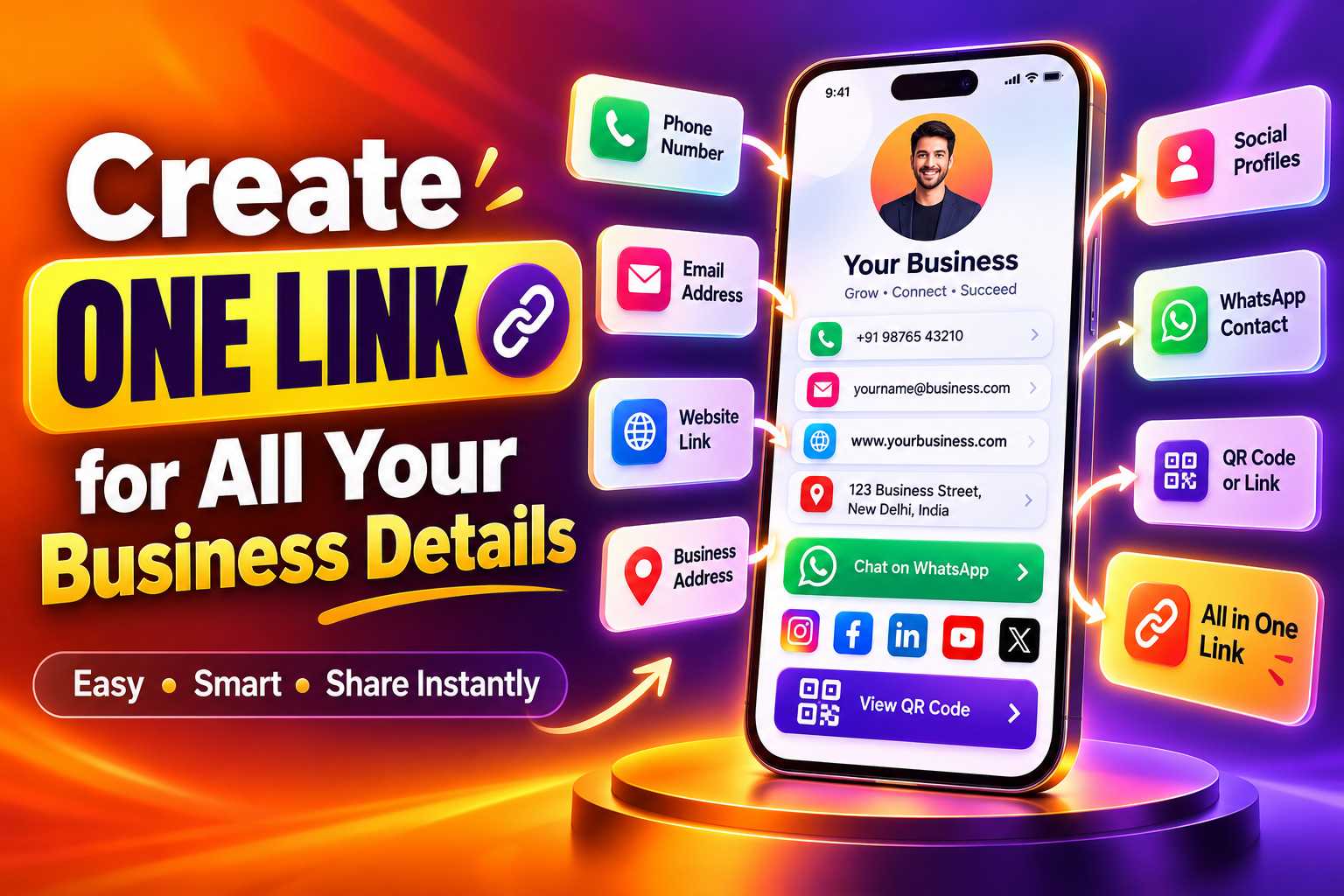
How to Create One Link for All Your Business Details
Sharing your phone number, WhatsApp, website, social media profiles, business location and other important information one by one can make customer communication complicated. A single business link solves this problem by bringing your important details together on one mobile-friendly digital profile that customers can open from their smartphone. With one business link, entrepreneurs, freelancers, shop owners, consultants and other professionals can give customers quick access to their contact details, WhatsApp, website, Instagram, Google Maps, services and other useful information. The same link can also be connected to a QR code and shared through visiting cards, posters, brochures, email signatures, social media profiles and offline marketing materials.

